




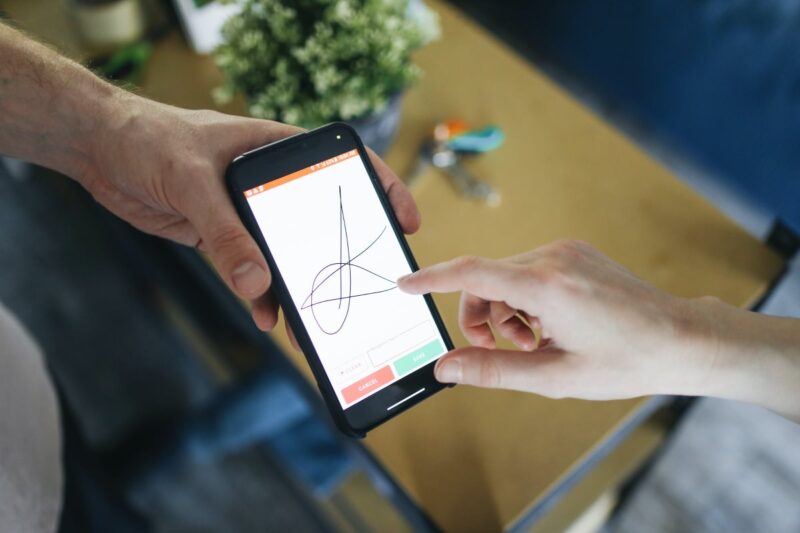
Digital signature
A signed document in just a few steps
Options
Instructions
We use digital signatures to have important business documents signed electronically. With the Moxis tool, we offer you this paperless solution, which above all saves you time. Two variants are possible.
-
Signing by e-mail
Documents for digital signature are sent to you by e-mail. To check and sign the document, click on the „To document“ link. The file will open for review. If there are several documents, they can be opened or viewed in the grey bar at the top.
Click on “Sign” at the bottom left to open a field for signing. Choose between the three options mouse / text signature / scanned signature and then click on “Next”.
The last point „Finalising the signature“ opens, where confirmation via ID Austria is required. Confirm the process with your user name and password and the document is signed. After a few seconds, the signed document will be available for download.
-
Signing on site
Of course, you can also sign all documents at our office. You can also sign electronically using a QR code.
FAQ
Do you have questions about digital signatures?
We have already answered some of them here.
As a rule, the period of validity is one month.
We cooperate with the provider Moxis for this service. This provider acts 100 % data protection compliant. All information is stored on Austrian servers. All content is deleted from the system after 60 days.
The ID Austria is applied for via the tax office, district authority, municipal authority or municipality. You can find out how to register your ID Austria on the related website of the BMF.